

Latest Version
Corel Corporation
Design
Windows
Free
9pbl2kqxq47k
Report a Problem
More About CorelDRAW Microsoft Store Edition
The Ultimate Vector Illustration Tool for Windows Creators
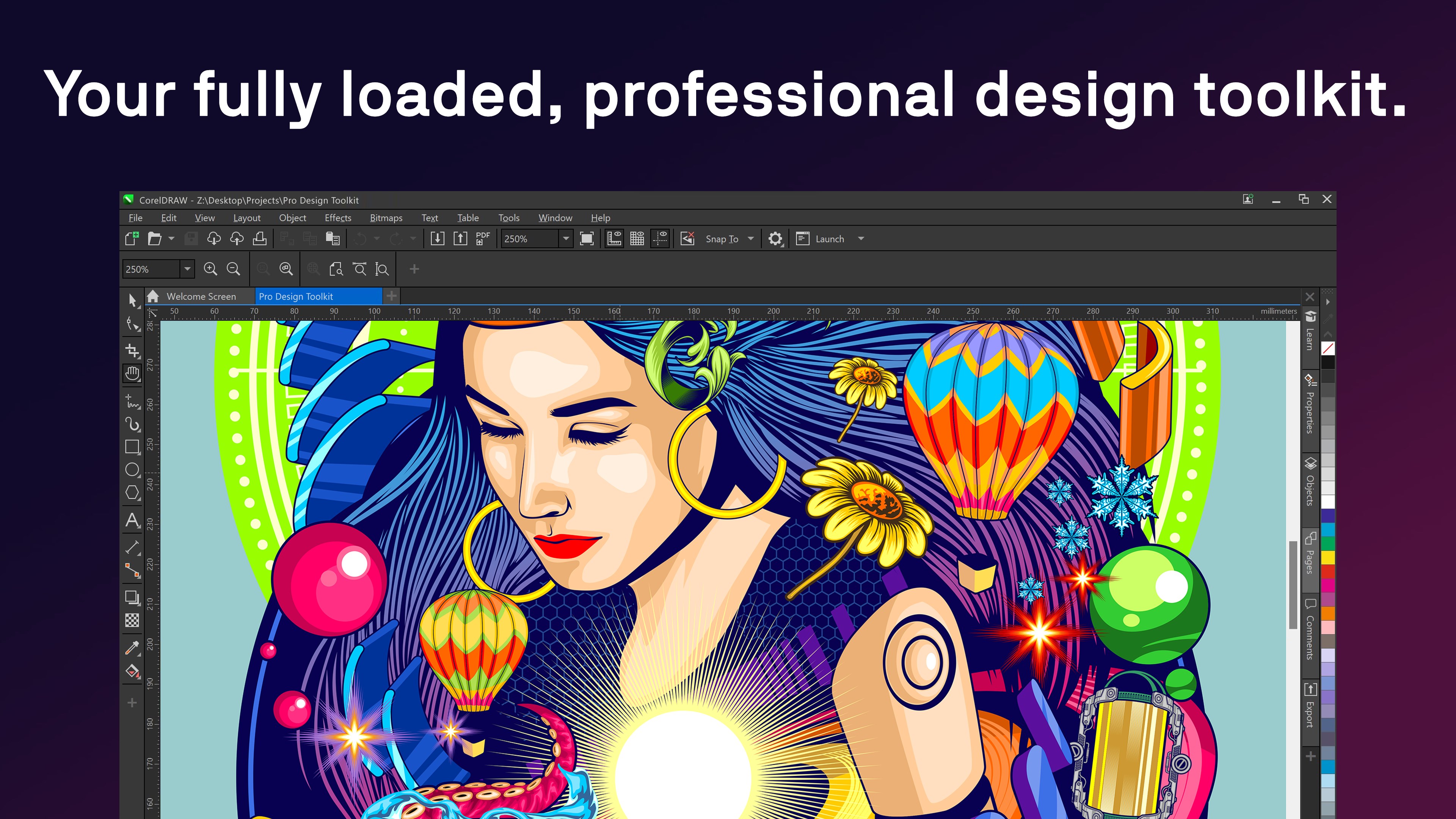
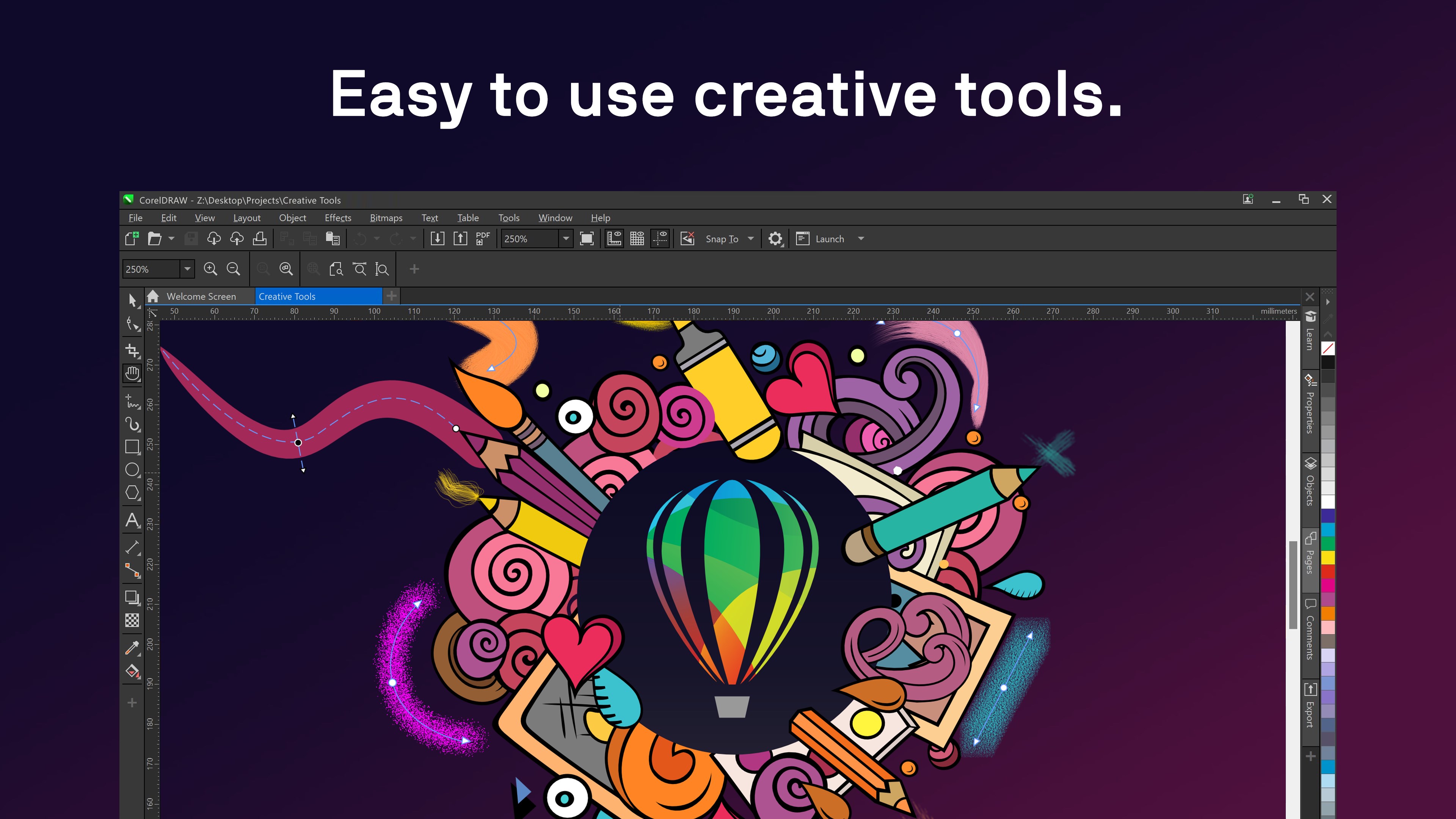
For designers seeking to merge raw creativity with industrial-grade productivity, CorelDRAW Microsoft Store Edition vector illustration software offers an all-in-one workspace that eliminates the need for multiple design utilities. Instead of bouncing between separate vector drawing and desktop publishing applications, creative professionals can execute complex layouts, precise typography, and intricate vector designs within a single, unified environment built specifically for Windows.
Developed by Corel Corporation, this edition streamlines the digital art workflow, making it a formidable contender for businesses, solo designers, and production houses alike.
Key Features of CorelDRAW Microsoft Store Edition
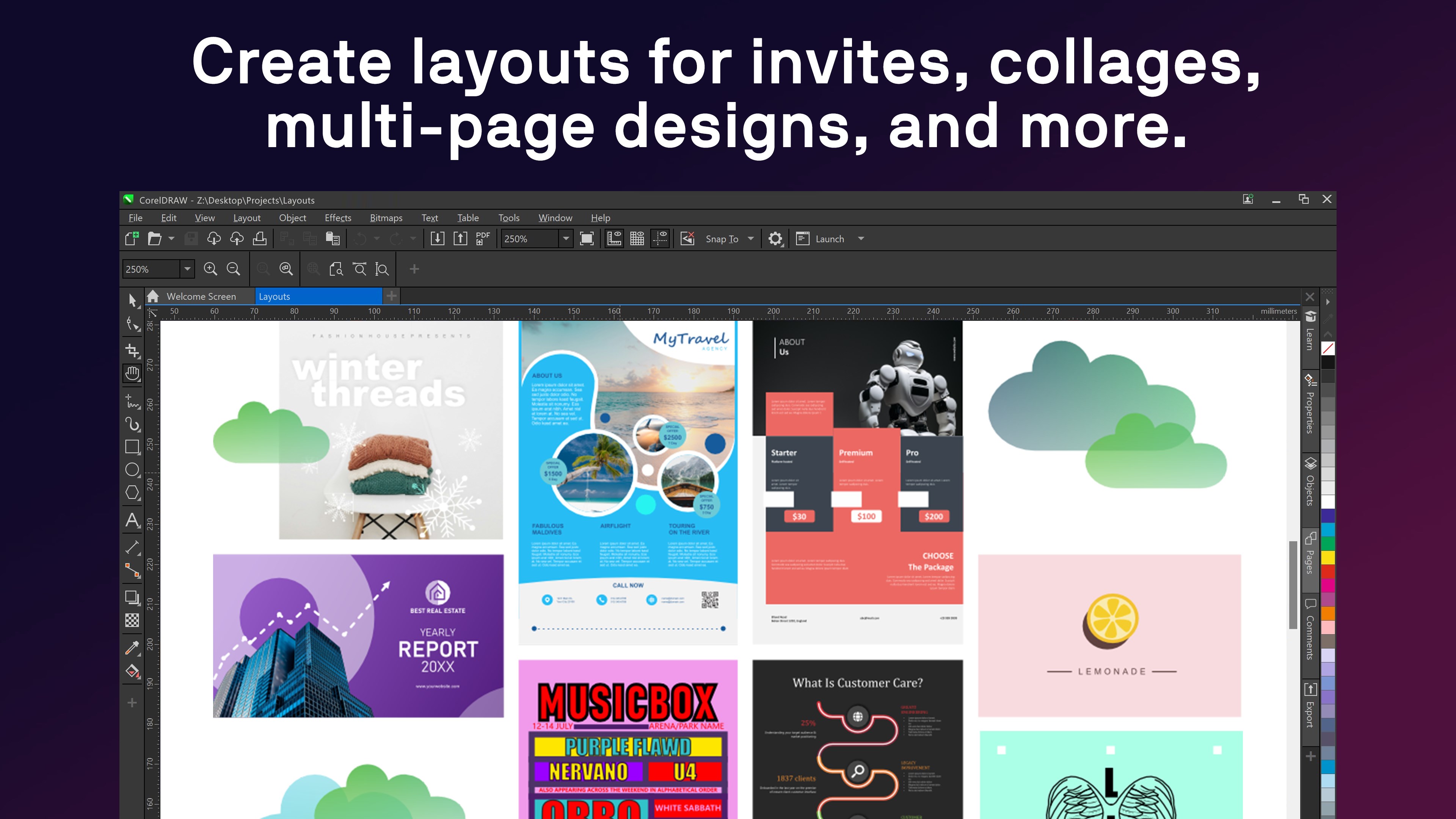
- All-in-One Layout & Vector Design: Handle multi-page documents, marketing collateral, and complex vector art inside one seamless application interface.
- Advanced Typography Tools: Access a complete suite of typography controls to format text, customize fonts, and arrange layouts with absolute precision.
- Professional Color Management: Ensure exact color accuracy across digital displays and physical print outputs, a critical feature for commercial print shops.
- Industry-Specific Workflows: Tailored tools that accommodate everything from apparel screen printing and embroidery to engineering schematics and architectural blueprints.
Who is This Graphic Design Software For?
CorelDRAW Microsoft Store Edition vector illustration tools are engineered to adapt to diverse professional landscapes. Sign makers and large-format printers rely on its robust prepress capabilities, while fashion designers utilize its specialized vector tools for textile and garment patterns. Furthermore, e-commerce professionals and corporate marketing teams can rapidly produce point-of-sale displays, web banners, and brand identity assets without relying on outsourced design agencies.
Pros and Cons
Pros:
- Highly versatile vector-drawing package that handles both layout and illustration.
- Robust color management engine suitable for professional prepress and signage.
- Flexible subscription models (monthly or annual) to keep the software continuously updated.
Cons:
- Requires an active subscription to save and output design work.
- Comprises a single application focused on vector illustration and page layout rather than the entire desktop suite.
Is It Worth the Subscription?
If your daily workflow demands high-precision vector assets, detailed blueprints, or print-ready marketing materials, this software delivers exceptional value. By integrating page layout and vector illustration into one workspace, it simplifies your creative toolkit. To explore its capabilities firsthand, you can sign up for a subscription plan on the official platform and enjoy a one-week free trial to test the full-featured product risk-free.
Ready to elevate your design workflow? Head over to the official Microsoft Store to download the application and start your creative journey today.
Rate the App
User Reviews











Popular Apps










Editor's Choice