
Latest Version
Bhalala Hiren Bharatbai
Tools
iOS
Free
1498297596
Report a Problem
More About File manager - Document Editor
The Ultimate Solution for Mobile Clutter
Imagine needing to access an important PDF, compress a folder of images, and transfer a video to your cloud storage while working from your iPhone. Doing this across multiple default apps can be a frustrating, disjointed experience. The File manager - Document Editor app solves this exact dilemma, offering iOS users a unified, desktop-grade command center for their digital clutter.
Dual-Pane Navigation and File Organization
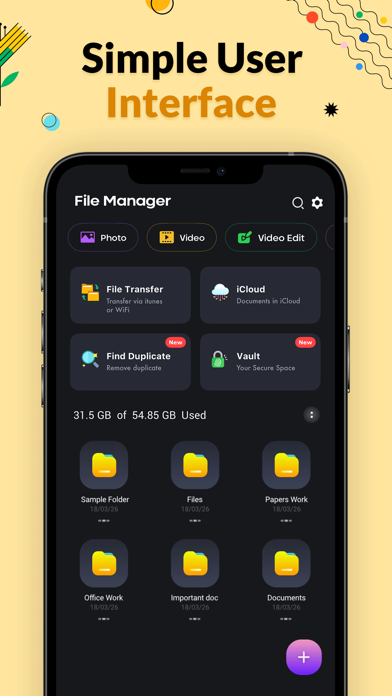
Developed by Bhalala Hiren Bharatbai, this tool stands out in the utilities category due to its dual-pane architecture. Having two directories visible simultaneously makes moving, copying, and organizing files as intuitive as working on a traditional desktop computer.
Key organization features include:
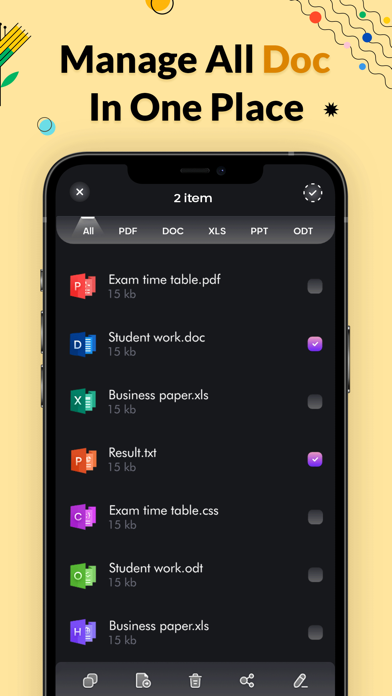
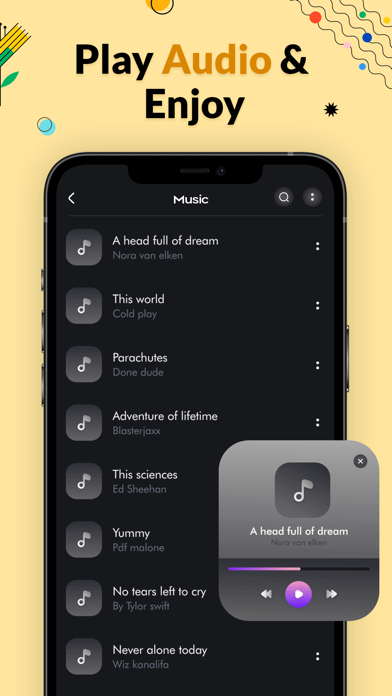
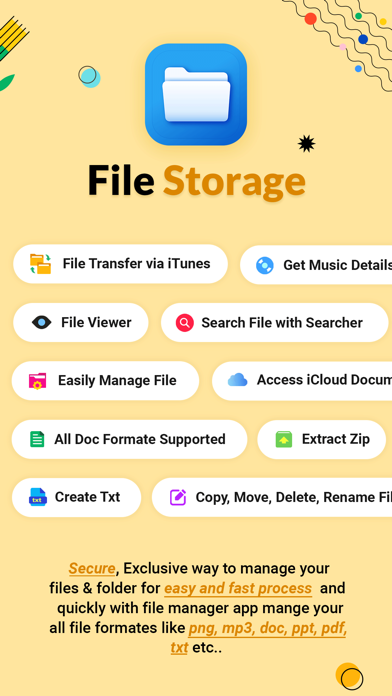
- Multi-Format Support: Easily view images, play audio tracks, read documents, and watch video files directly inside the application.
- Advanced Directory Actions: Perform essential tasks like copy, paste, cut, rename, delete, and search without system lag.
- Archive Management: Compress and decompress directories to save local storage space or prepare files for email sharing.
- Storage Analysis: Locate large, space-consuming items and delete unused cache or duplicates to free up memory.
Who is This Tool For?
The File manager - Document Editor is designed specifically for professionals, students, and power users who handle heavy document workflows on iOS. If your daily tasks involve managing assets across internal storage, external drives, and cloud environments, this app provides the robust tree-view hierarchy you need to stay organized.
Seamless Media Playback and Editing
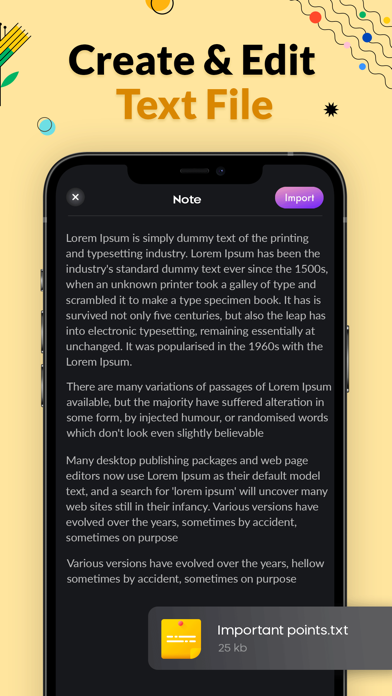
Beyond simple directory browsing, the utility includes an integrated image viewer, text editor, and media player. This means you do not have to export files to external applications just to preview a song or make a quick edit to a text document, keeping your workflow fast, private, and efficient.
Upgrade Your iOS Organization
If you are tired of the limitations of default mobile storage views, this application provides the professional-grade toolkit you need to regain control of your digital workspace. Learn more about its features and premium subscription options by visiting the official App Store page.
Rate the App
User Reviews














Popular Apps










Editor's Choice